
Order Guide
Login or Register
If you already have an account, please log in. New customers click here to register.
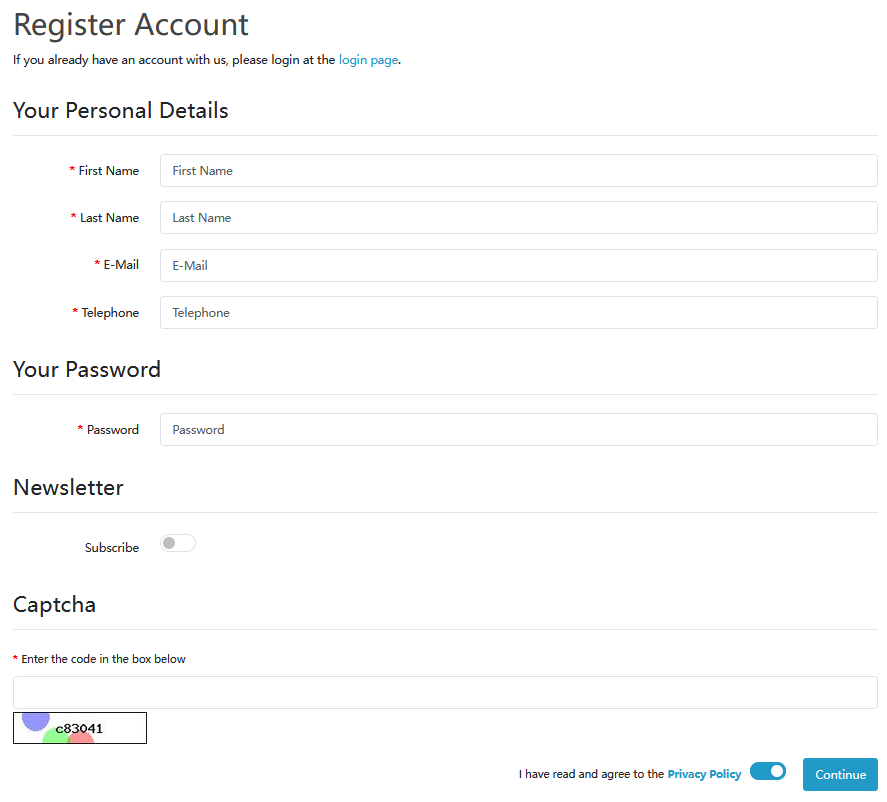
Add Items to Cart
Browse products, select quantity, and click “Add to Cart”.
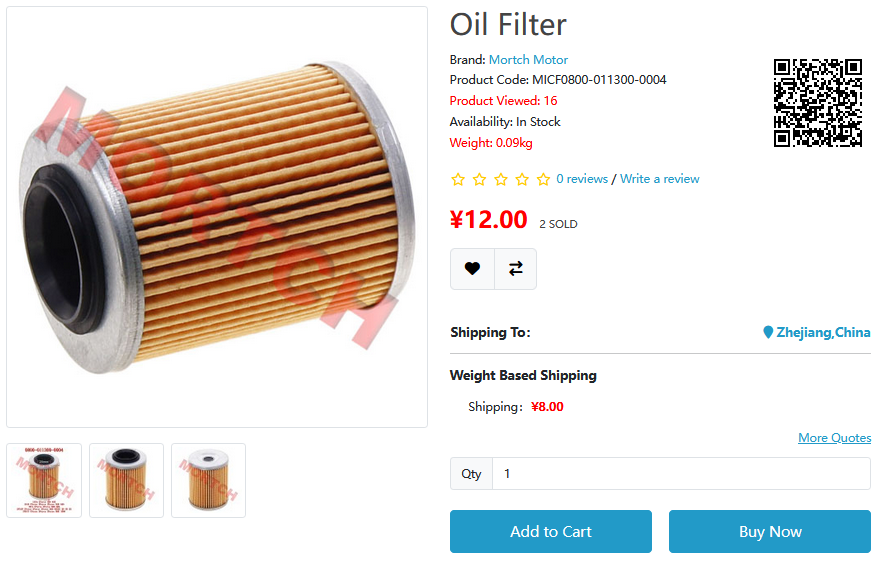
For a single item, you can click “Buy Now” to proceed directly to checkout.
Items will be added to your Shopping Cart.
Manage Cart
Go to Cart page, you can:
- View selected items
- Update quantities
- Remove unwanted items
- Check order total
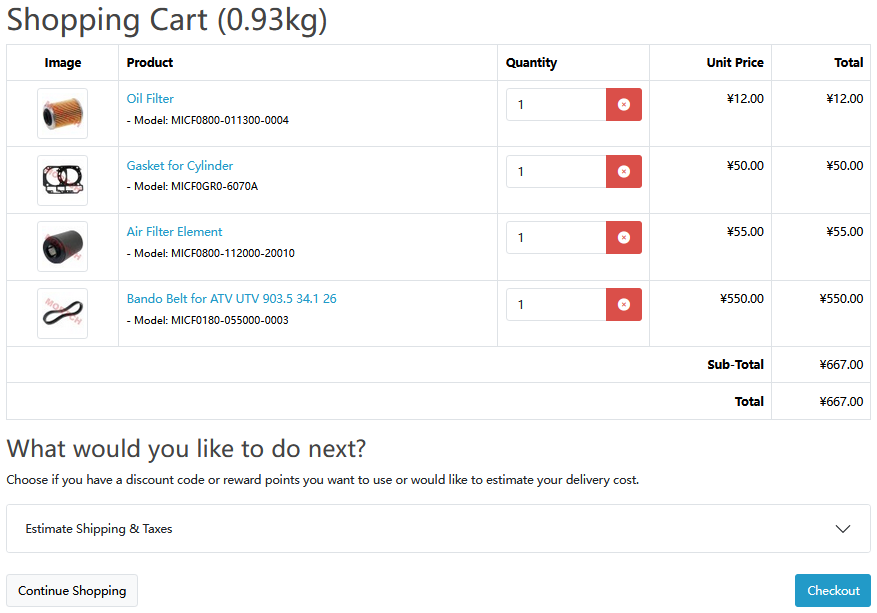
Proceed to Checkout
After confirming items, click Checkout.
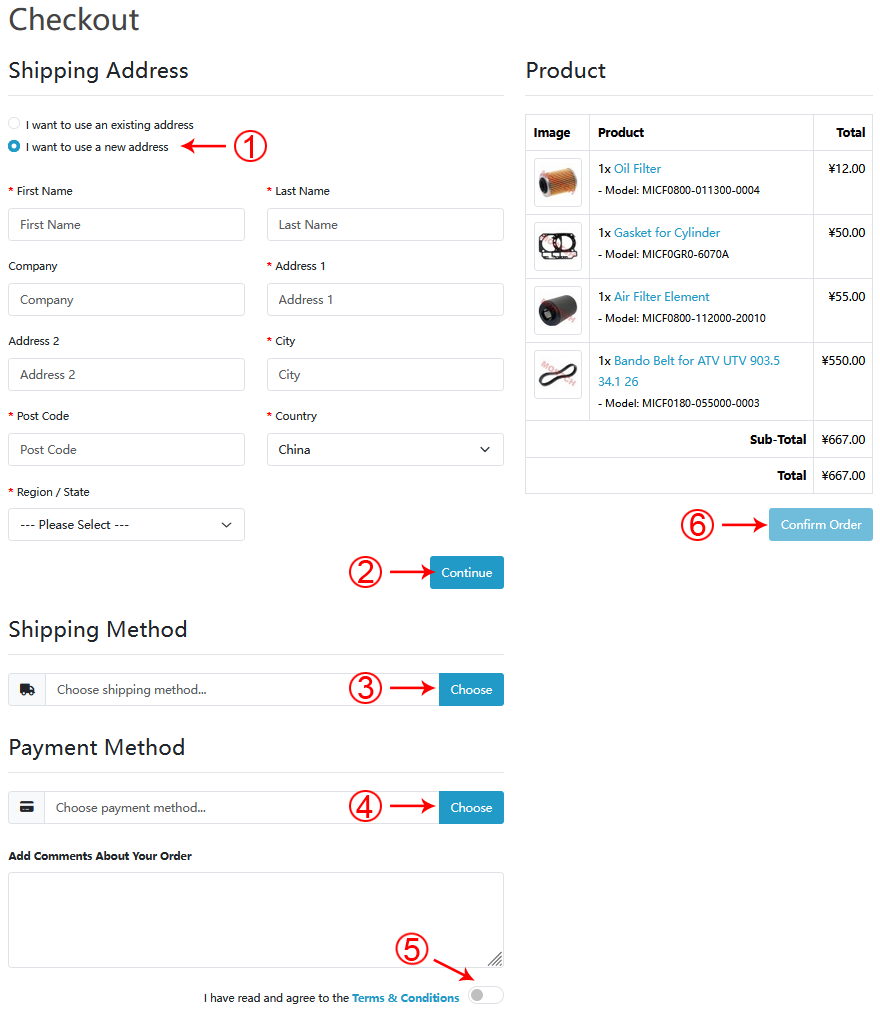
- Select Shipping Method
- Choose Payment Method
- Double-check order details
- Click “Confirm Order” to place order
Complete Payment
Order submitted! Please complete payment promptly so we can arrange shipment.
You will receive a confirmation email after successful payment
Link WeChat · Real-time Order & Stock Alerts
Link your WeChat to enable quick login and receive essential push notifications — never miss an order update!
WeChat Linking · Exclusive Benefits
Push Notification Settings — Follow our official account and enable these to receive alerts:

Scan the official WeChat QR code or authorize via the linking button to sync order status. Bound members receive all real-time notifications above.
Highly recommended to link WeChat for instant "Product Restock Alert" and order lifecycle updates — shop with peace of mind!
If you encounter any issues during checkout, feel free to contact our support team.
Contact Support